
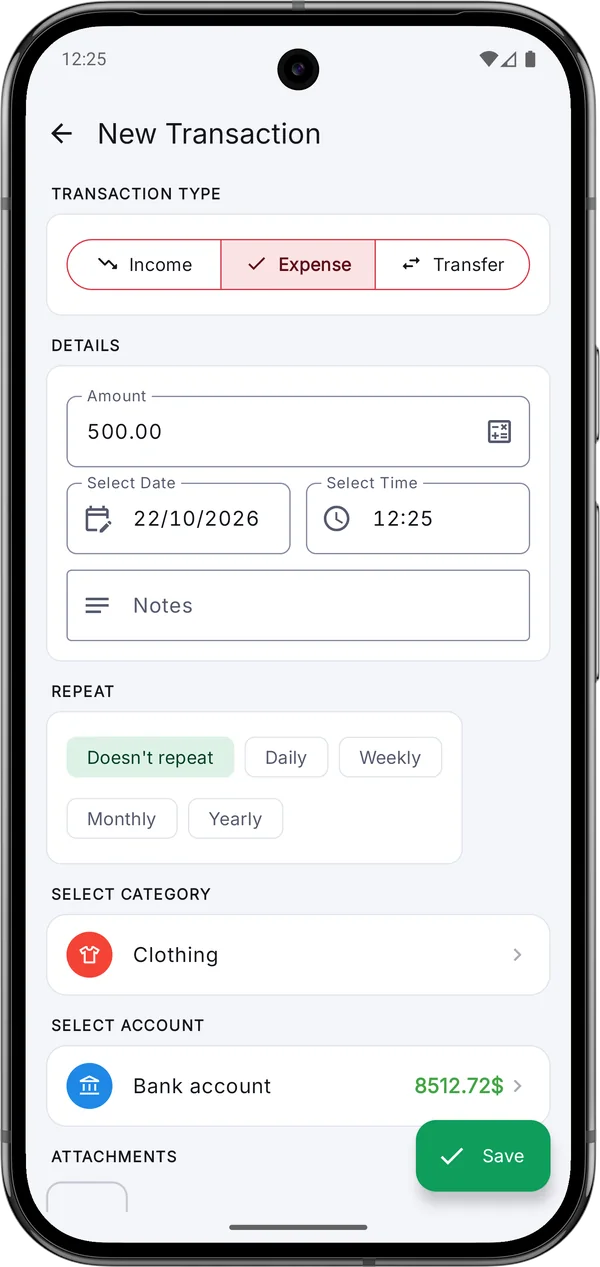
Add an expense in seconds
The app opens straight on the number pad. Pick a category and account, and you're done.
Expense Manager is a free, open-source expense tracker and budget app for Android. Log spending in seconds, set monthly budgets and see clear charts — while your financial data stays on your phone.
Rated 4.6★ by 130+ reviewers · See reviews on Google Play →
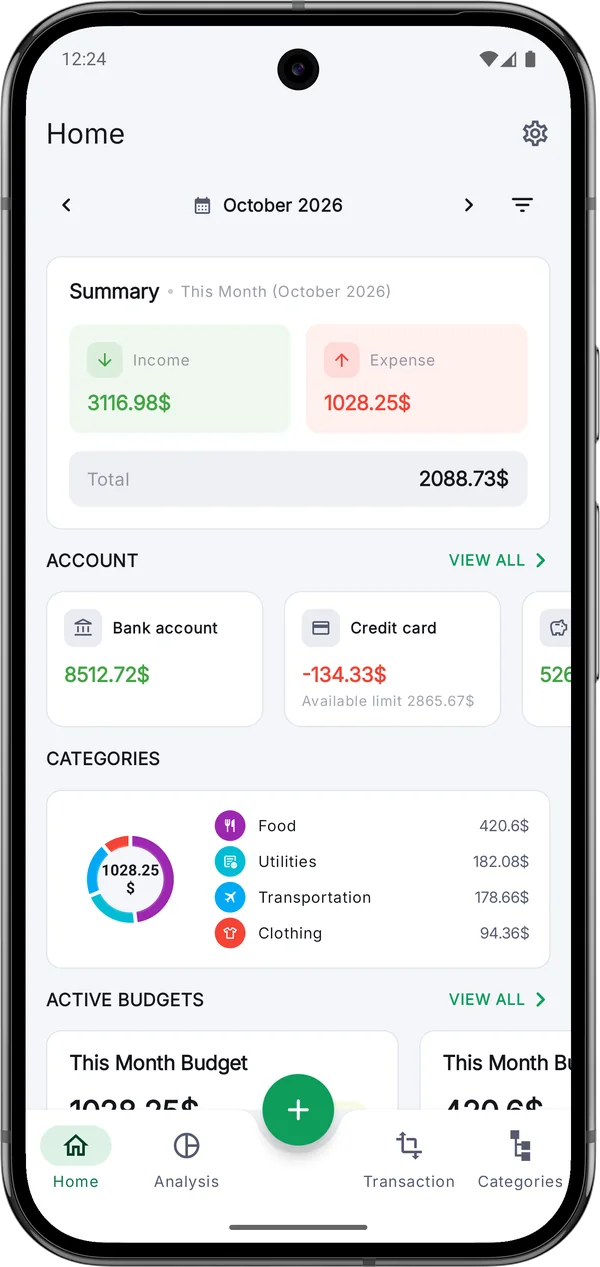
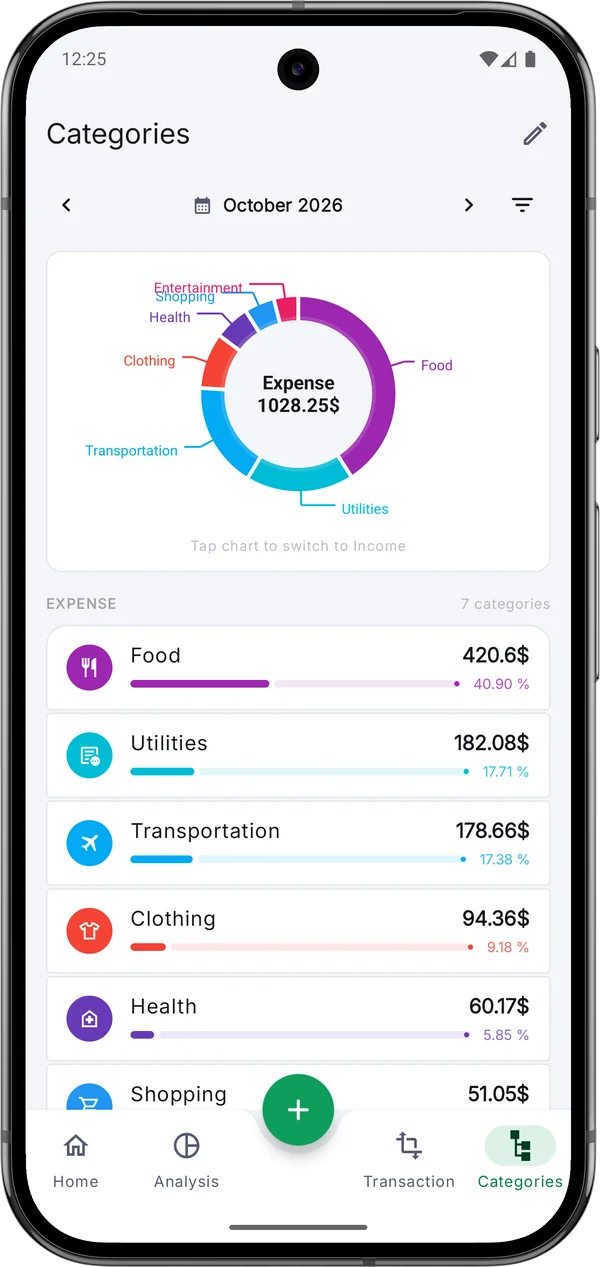
Set up your accounts, categories and currency once — after that, every entry takes seconds.
The tools you need to stay on top of your spending — and nothing you don't.
The app opens straight on the number pad. Pick a category and account, and you're done.
Category charts and a clear dashboard show income, spending and balance at a glance.
Set monthly limits for all spending or specific categories, and get notified before you go over.
Cash, bank, savings and credit cards — track each one and move money between them.
Rent, salary and subscriptions are added automatically, on the schedule you choose.
A gentle daily reminder and a home screen widget keep the habit going.
Compare days, weeks, months or years and spot what changed.
Take your data to a spreadsheet, or keep a clean PDF record for taxes.
No account, no cloud sync. Lock the app with your fingerprint and keep passphrase-protected backups.
Cash, bank or cards — set a starting balance for each. It takes a minute.
Amount, category, done. A daily reminder makes it a habit.
Charts, trends and budgets show what to keep and what to cut.
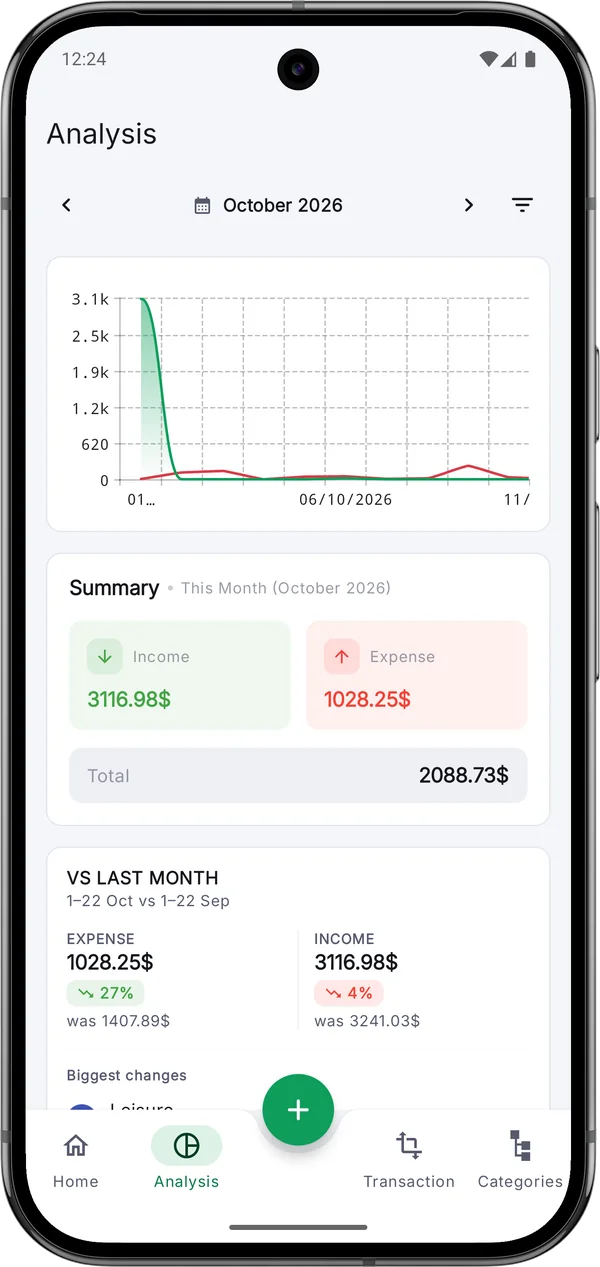
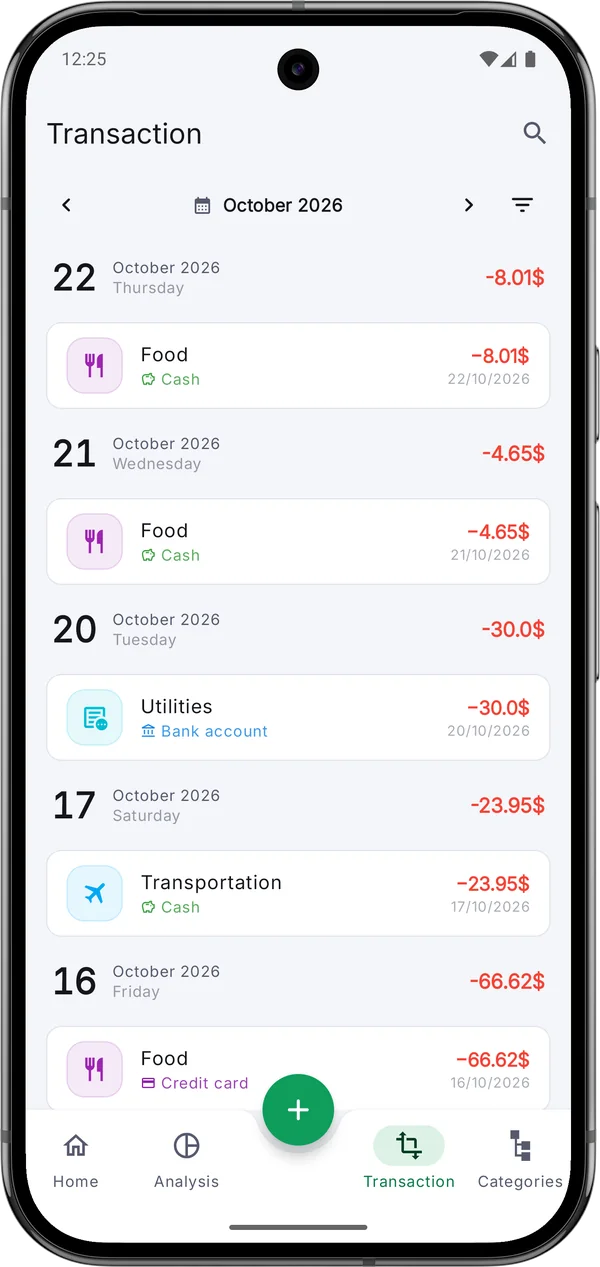
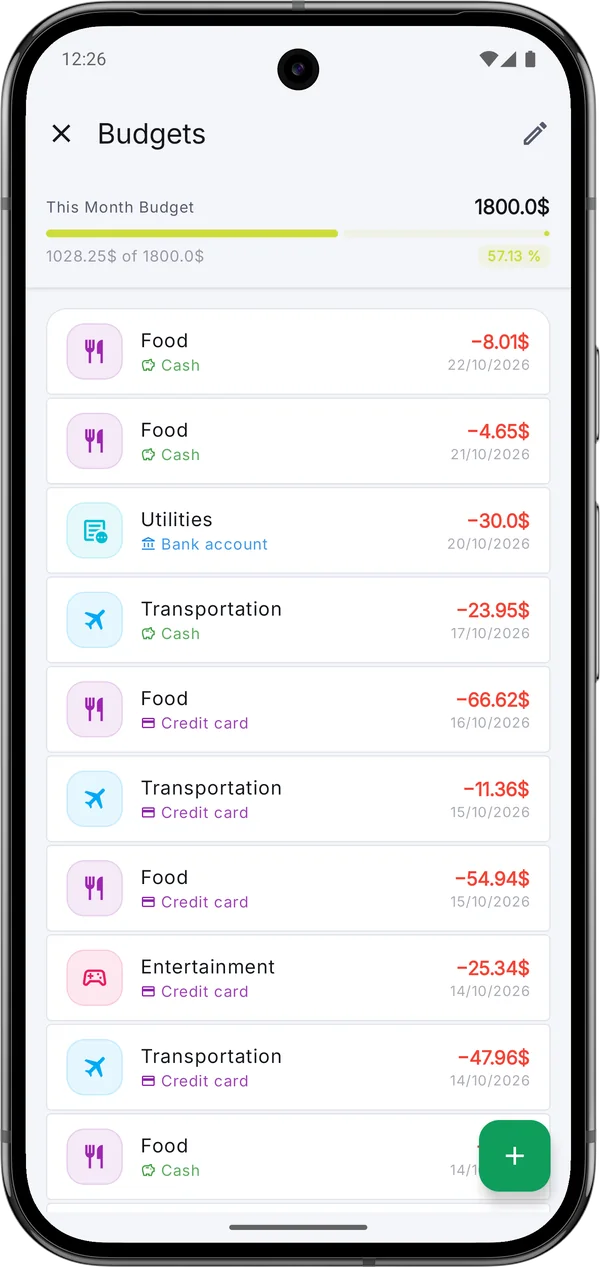
Keep a small monthly budget on track and finally see where the money went before payday.
Split spending into groceries, bills and fun, and keep shared costs under a monthly limit.
Keep business and personal accounts apart and export everything to CSV at tax time.
The full source code is public, so anyone can check how the app handles your data — or build it themselves. Written in Kotlin with Jetpack Compose.
Yes. The app is free to download and use, with no ads and no sign-up. Every feature is available to everyone.
Your financial data never leaves your device: transactions, amounts, notes and photos are stored only on your phone, with no account and no cloud sync. The app only sends anonymous usage statistics and crash reports (through Google Firebase) so bugs can be found and fixed — the Privacy Policy lists exactly what. You can also lock the app with your fingerprint.
Yes. Everything is stored on your phone, so you can log transactions, view charts and manage budgets without an internet connection.
Yes. Create a backup in Settings — optionally protected with a passphrase — save it anywhere you like, such as Google Drive, and restore it on the new phone.
Any currency, with your choice of symbol position and number format. The app is available in 16 languages, including English, Hindi, Spanish, German, French, Portuguese, Japanese, Korean, Chinese and Arabic.
Yes, it's coming soon to the App Store. For now, Expense Manager is available for Android on Google Play.
Yes. The full source code is on GitHub under the Apache 2.0 license, written in Kotlin with Jetpack Compose. You can read it, build it yourself or contribute.
No ads, no account, no catch. Install it, add your first expense, and see your month take shape.
 On a computer?